
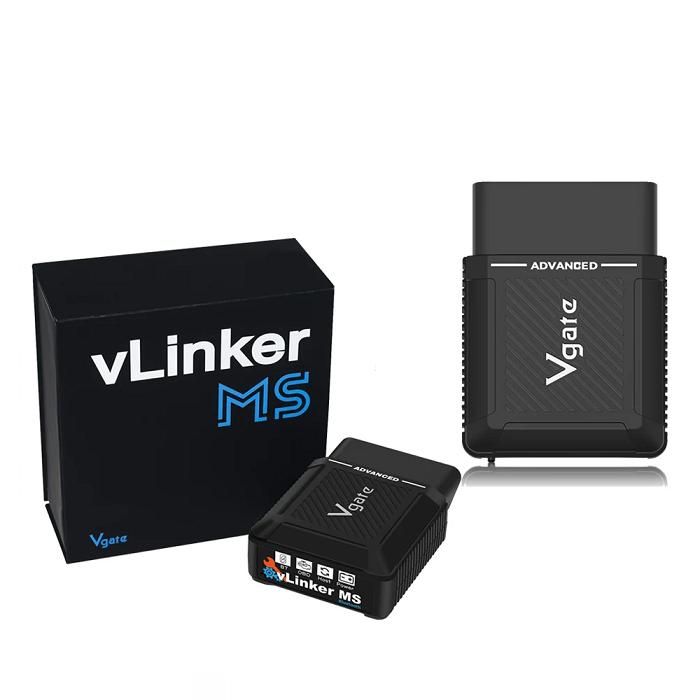
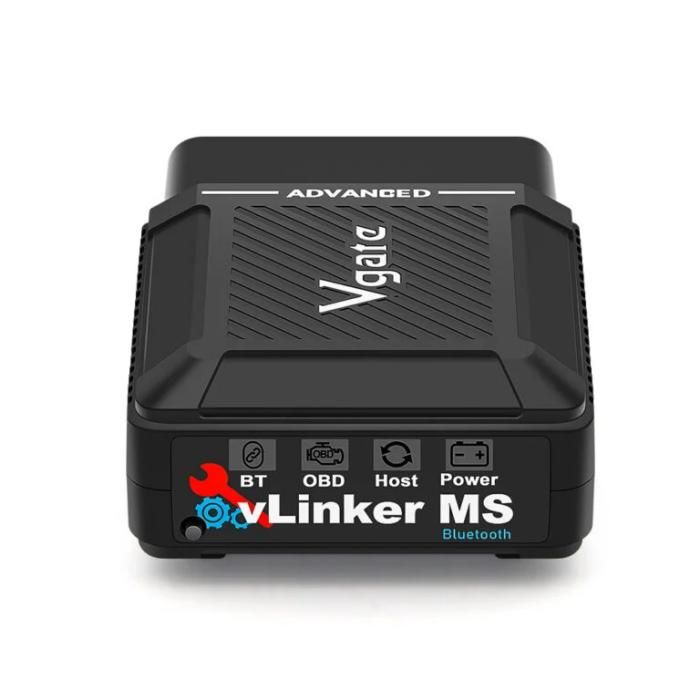
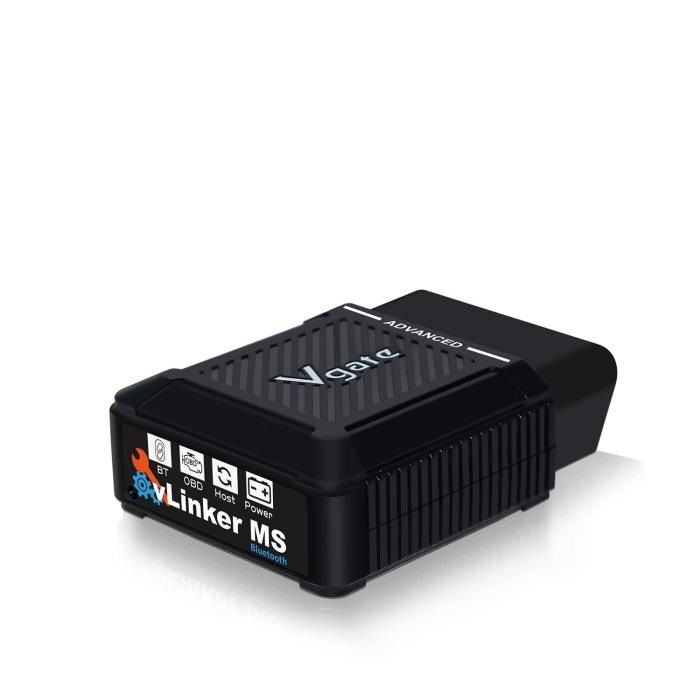
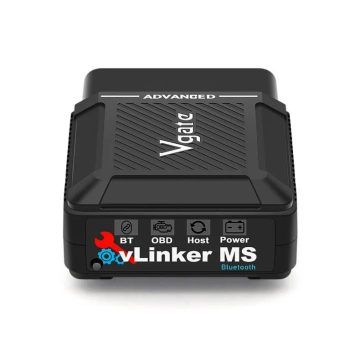
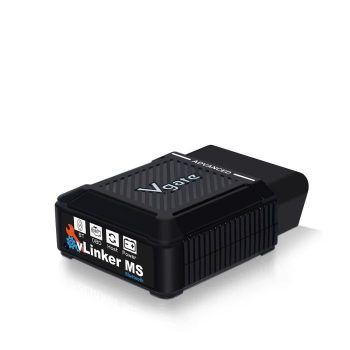
VLinker MS is a Bluetooth OBD2 Scanner ,that will Turn your iPhone, Android device, or Windows PC into a powerful diagnostic tool.Compare with Vlinker FS (BT),it new adds GMLAN,CH-CAN and LS-CAN protocols, which can be compatible with more car models and provide more choices for customers!
Vgate Vlinker MS works with the 3rd party apps. These apps are not included in the kit. Some of these apps have free versions with limited features. These apps are recommended to use with Vlinker-MS Interface: ELM327, OBD JScan, OBD Auto Doctor, OBD Fusion, Carista OBD, Torque, Multiecuscan, Scan My Tesla.
Vgate VLinker MS Highlights:
- Supports HS-CAN, MS-CAN, SW-CAN, CH-CAN, LS-CAN protocols.
- Work in 12V or 24V automotive systems.
- Superior compatibility – works with more 3rd party apps & software than any other adapter.
- World’s fastest Bluetooth OBD-II adapter (baudrate: 3Mbps),OBD request bytes up to 4K bytes.
- Free firmware updates.
- Apple MFI certified device.
- BatterySaver technology – low power mode.
- Automatic sleep & wake-up.
VLinker MS Reviews:
1.The vehicle scan tool works great and connects with ease to multiple vehicles including AlfaOBD and OBD Fusion. Customers find it easy to use and self-explanatory. The tool displays and records live vehicle sensor readings from all sensors.
2.The Vgate vLinker MS works great. It connects smoothly with AlfaOBD and MultiECUScan (MES), and I’ve had no issues doing proxy alignments. Super reliable, quick to connect, and easy to use. Definitely a solid choice if you’re working on FCA vehicles.
3.it is enough for monitoring and some error cleaning. Good stuff for car enthusiasts, but you will need to purchase an additional app to use it.
4.Kinda nice that they included a booklet inside with the QR codes for all the compatible apps, but I’m definitely on the side of using Torque (Pro). It’s not free, but the user interface is better. Also would recommend downloading the firmware updater in case you have any problems right off the bat. Didn’t test the unit before updating the firmware myself, but I’m pretty sure it’ll work just fine out of the box.
5. I’m happy to see that realtime data has very little lag! The data transfer speed is quite good. No fault codes apart for an infotainment error that I’ve been ignoring for years but I knew that going in and I’m glad to see that the adapter picked it up. Compared with my old OBD2 scanner, I’d say that it’s marginally better, but the features are about the same.
6.The test was done on a 2014 Mazda 3 with a iPhone XR with IOS V17.6.1.Works with 21 different OBD2 apps. Some are free such as “Car Scanner” and others are paid, data transfer is quick.






Reviews
There are no reviews yet.